

Classes 1–8For classroom smart boards
Turn maths practice into a classroom sport.
गणित को बनाइए कक्षा का सबसे पसंदीदा खेल।
Two to four teams race to answer on the same smart board. Every right answer pulls the rope, rows the boat, flies the kite, hits a six, fuels the rocket or wins a kabaddi raid. Children beg for "one more round", and the principal sees what each class has learnt.
Play the demo now – no sign-up. Open it on a laptop or smart board and tap “Try the demo”. · Brochure (PDF)
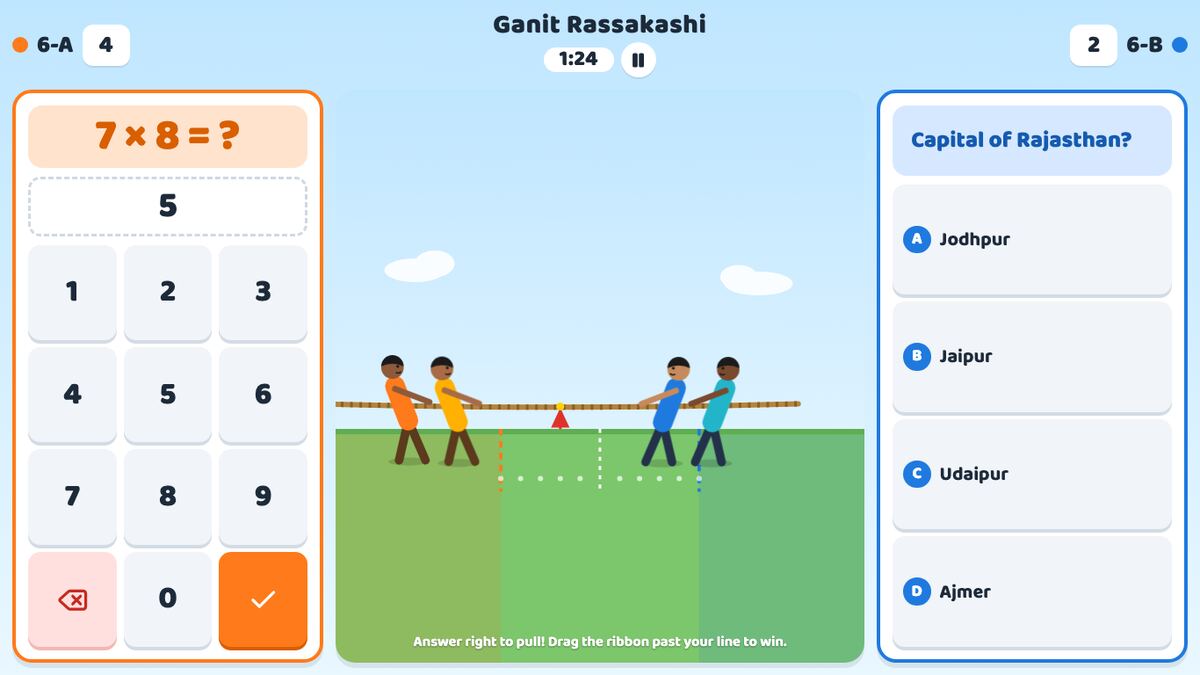
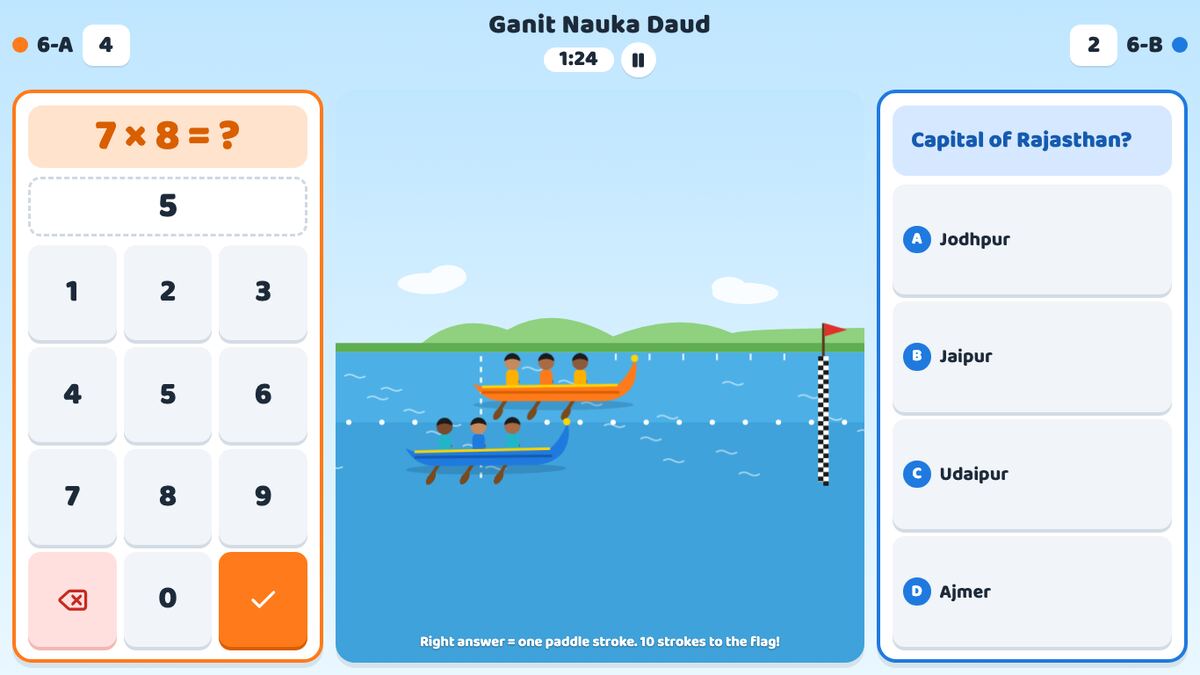
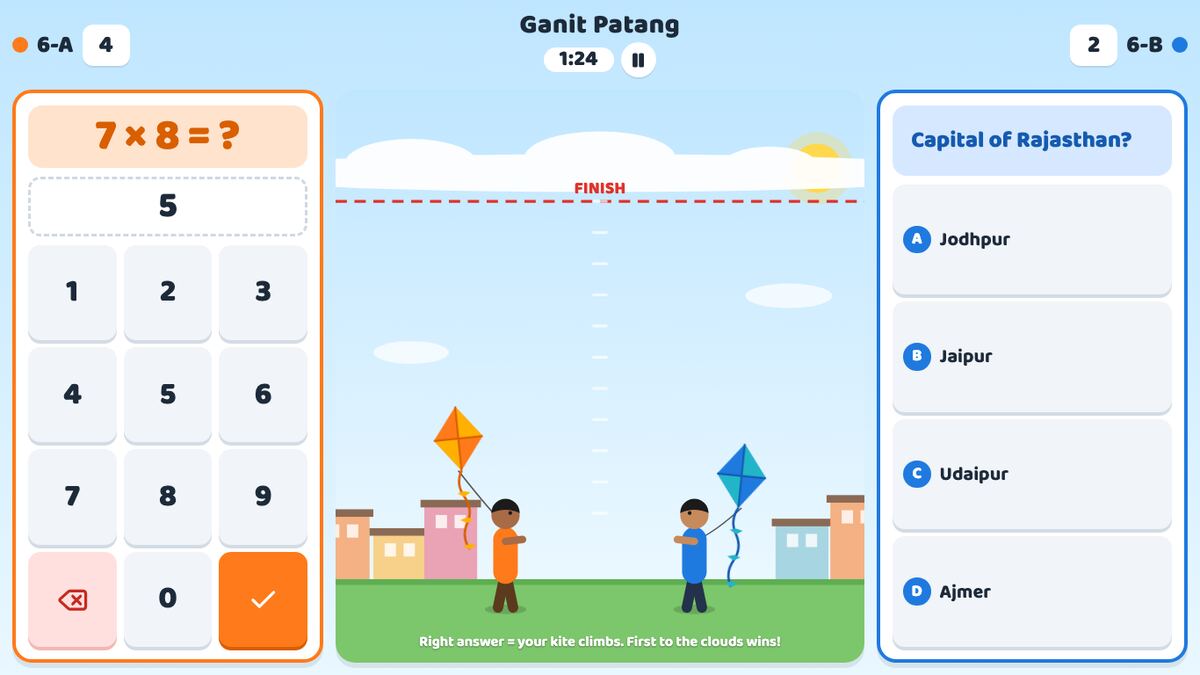
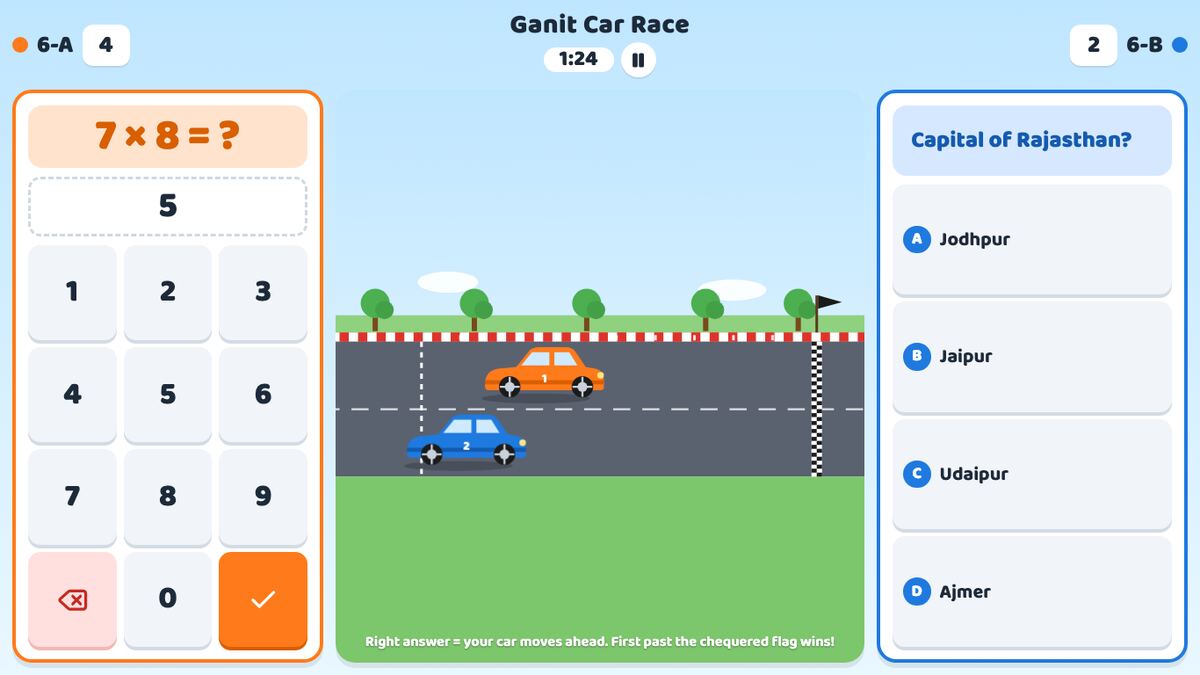
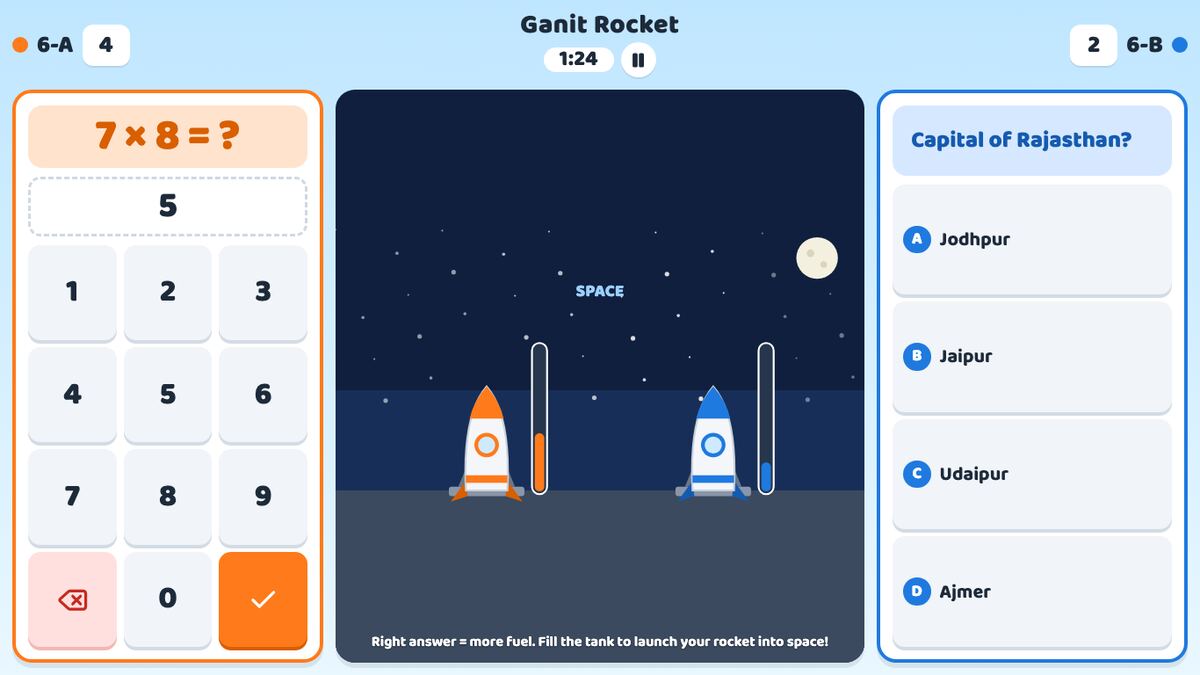
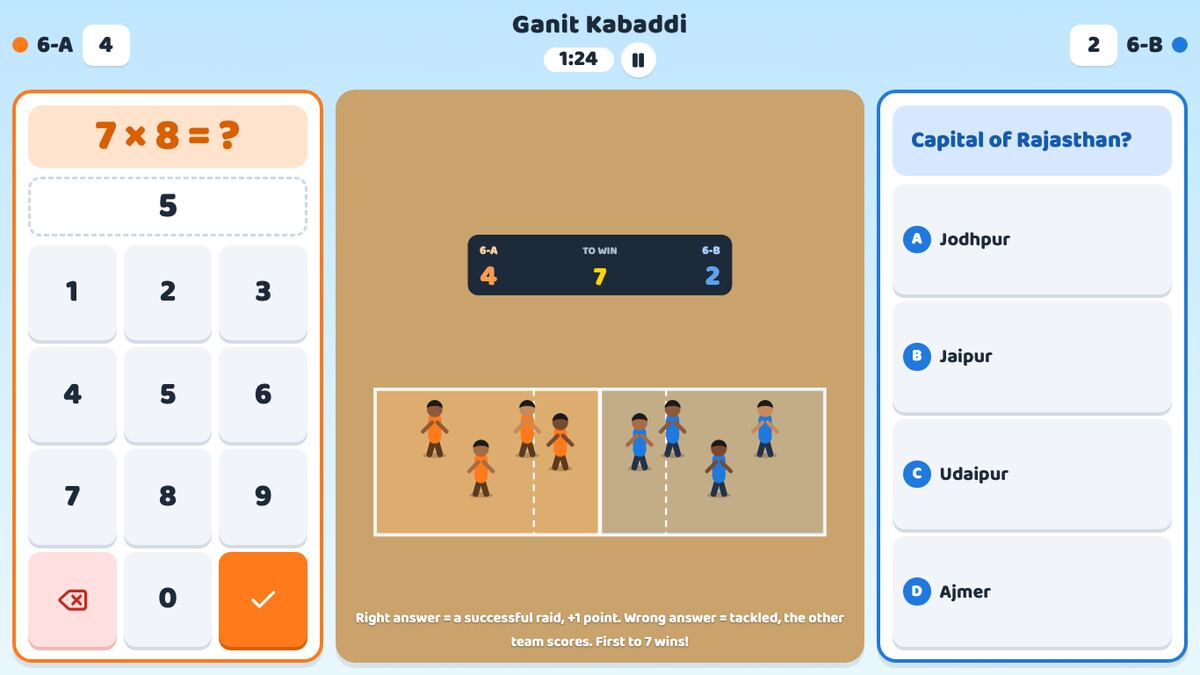
Seven games children already love
Each right answer moves the team forward. The teacher picks the game, the topic and the time.
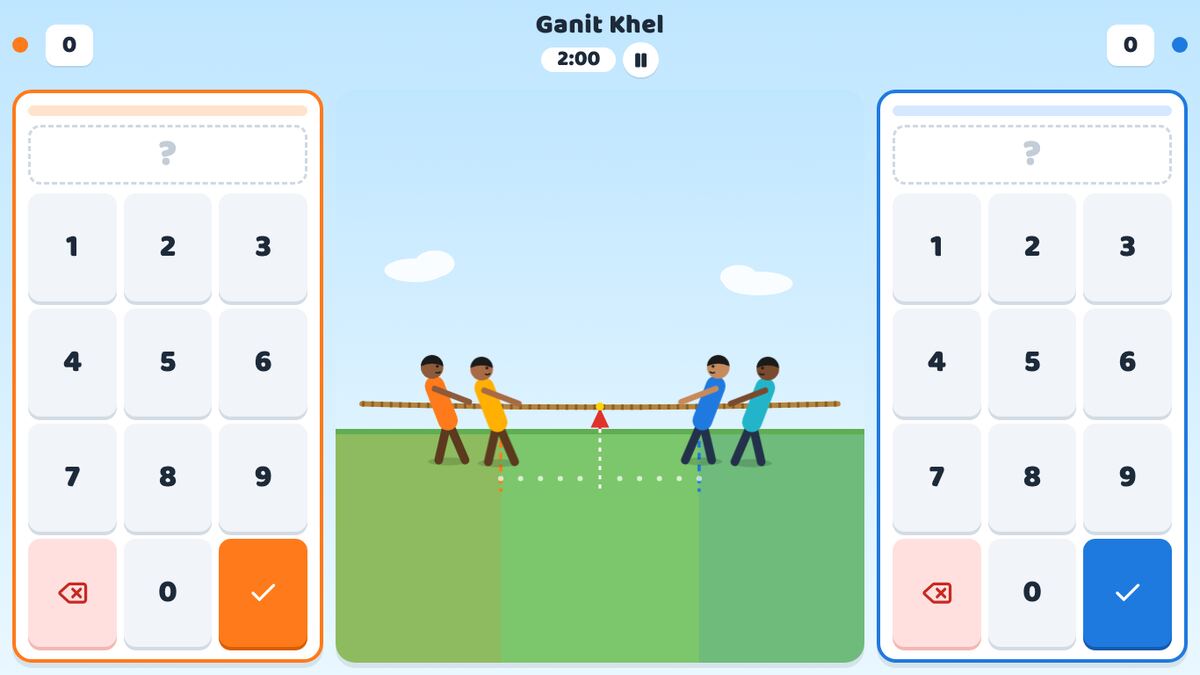
Tug of War
रस्साकशीPull the ribbon across your line.
Pull the rope yourself
Three questions. Every right answer pulls the ribbon to your side – just like on the classroom board.
Play the full demo →Everything a school needs
Ready-made questions
Maths for classes 1–8 that never runs out, plus EVS/Science, English and general knowledge, matched to the class levels and topics in NCERT/CBSE books.
Your own questions
Teachers type or upload questions for any subject: multiple choice, true/false, fill in the blank, even picture questions. Share them with every board in the school.
7 Indian languages
English, Hindi, Punjabi, Marathi, Gujarati, Tamil and Bengali – switch the whole game in one tap. Questions can be read aloud for younger classes.
Children's phones too
In Phones mode every child answers on a phone and their team moves on the board – fair for teams of any size. Nothing to install.
Tournaments & houses
Knockout tournaments for 3–8 sections, and house points that build up over the term.
Revise what was missed
One tap replays the questions a class got wrong, until they get them right. Print a certificate for the winners.
See what each class has learnt
Reports for the principal
Accuracy by class and topic, the questions children keep getting wrong, and a monthly report to print or share on WhatsApp.
Teachers and parents
Each teacher sees their own classes. A private link per class shows parents the month's progress – never children's names.
Safe for children
No student names, photos or accounts. No ads. Only class-level results are kept.
Works without internet
Install once and it keeps playing when the school Wi-Fi is down. Results upload later.
Any smart board
Android or Windows boards, or a laptop with a projector. Nothing to install on your computers.
How it works
- 1We show you a demoAt your school or on a call. Try it with a real class.
- 2You get a licence keyType it once on each smart board. Takes a minute.
- 3Teachers play, principals see resultsPick a game and topic, press Start. Reports fill in by themselves.
Questions schools ask
Do we need internet in the classroom?
Only once, to activate each board. After that Ganit Khel plays offline, and results upload whenever the board is back online.
Which smart boards does it work on?
Any board with a modern browser (Chrome or Edge): Android and Windows interactive panels, or a computer connected to a board or projector. For several teams at once, the board must support multi-touch – most do, and we check it during the demo.
What does it cost?
A yearly licence that depends on how many boards you use. Ask us for a quote. Payment by UPI, bank transfer, cheque or cash, with a receipt.
Do you collect information about students?
No. Teams are named like "6-A" or "Red House". We keep only class-level results for your principal. Read our privacy policy.
Can teachers add their own questions?
Yes – for any subject, in Hindi or English, with pictures. They can type them, paste them, or upload a file from Excel or Google Sheets.
Is it only for maths?
Maths is built in for classes 1–8, plus ready-made EVS/Science, English and general knowledge questions. With your own questions, any subject works.
Try Ganit Khel with your class
Leave your details and we'll get in touch to arrange it.
Prefer to talk?
Message us on WhatsApp and we'll reply with a time that suits you.
Chat on WhatsAppUse the form and we'll call you back.
Already a customer? Open the game at /play, or see your school's results at Principal login.